Best Notion Social Media Schedulers (2026 Comparison)
Last updated: February 2026
Reading time: 10 minutes
Your editorial calendar lives in Notion. Your drafts are ready. Now you need the best way to send them to LinkedIn, Instagram, TikTok, and beyond — automatically.
In 2026, there are several solid options. But they're not created equal. In this comparison, we test and rank the 5 main ways to schedule social media posts from Notion, covering how each one works, what it costs, and who it's best for.
Before choosing a tool, make sure your Notion setup is solid. Learn how to build a Notion social media planner with the right properties, views, and workflow.
How We Evaluated
We scored each tool across 7 criteria:
- Setup time: How long to go from zero to first scheduled post?
- Platform support: LinkedIn, Instagram, TikTok, YouTube, Facebook, Twitter/X, and more
- LinkedIn features: Mentions, bold formatting, company pages, analytics
- Media handling: Images, videos, carousels, PDFs
- Team features: Ghostwriting, agency dashboards, multi-client management
- Pricing: Monthly cost for real-world usage
- Reliability & support: Responsiveness, documentation, uptime
1. Scheduled — Best for LinkedIn Creators
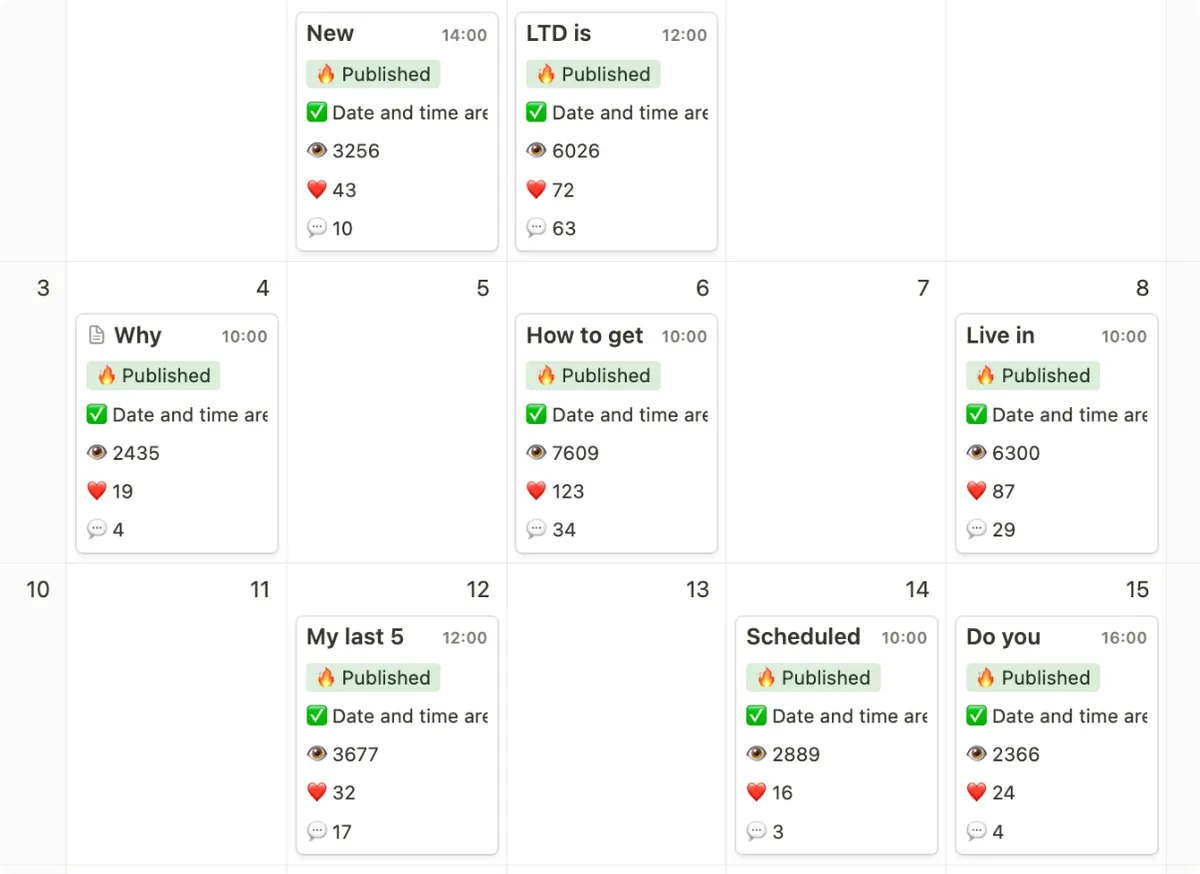
The Scheduled publishing calendar in Notion
Website: scheduled.so
Best for: LinkedIn creators, ghostwriters, agencies, community managers
How It Works
Scheduled connects to your Notion workspace via the official API. It creates an optimized database (or plugs into your existing one) with preset properties: content, platform, publish date, status. You write posts in Notion as usual, and Scheduled publishes them automatically at the scheduled time.
Platforms
LinkedIn (profiles + pages), Instagram (feed, stories, reels, carousels), TikTok, YouTube, YouTube Shorts, Facebook, Twitter/X.
What Sets It Apart
Scheduled is the only tool that preserves your Notion formatting on LinkedIn: bold stays bold, hashtags become clickable, and you can @mention people and company pages directly from your Notion page. No other Notion scheduler offers this.
The tool also includes LinkedIn analytics — follower growth, post performance, detailed engagement metrics — all from your dashboard. For ghostwriters and agencies, multi-client management lets you handle several LinkedIn profiles from a single Notion workspace.
Another standout: first comment scheduling. Posting a comment right after publishing is a proven LinkedIn engagement technique. With Scheduled, you prepare it alongside your main post.
Pricing
| Plan | Price | What You Get |
|---|---|---|
| Free trial | €0 (14 days) | All features to test |
| Creator | ~€9/mo | 1 LinkedIn profile, unlimited posts |
| Ghostwriter | ~€19/mo | Multiple client profiles |
| Agency | ~€49/mo | Unlimited connections, full analytics |
Limitations
Fewer “general” platforms than some competitors (no Pinterest). The tool is clearly optimized for LinkedIn first, which is a strength for professionals but a limitation if LinkedIn isn't your primary platform.
Our take: If LinkedIn is part of your strategy, this is the tool. The formatting and mention features are unique in the market, and the value for money is excellent.
2. NotionSocial — Broadest Platform Coverage
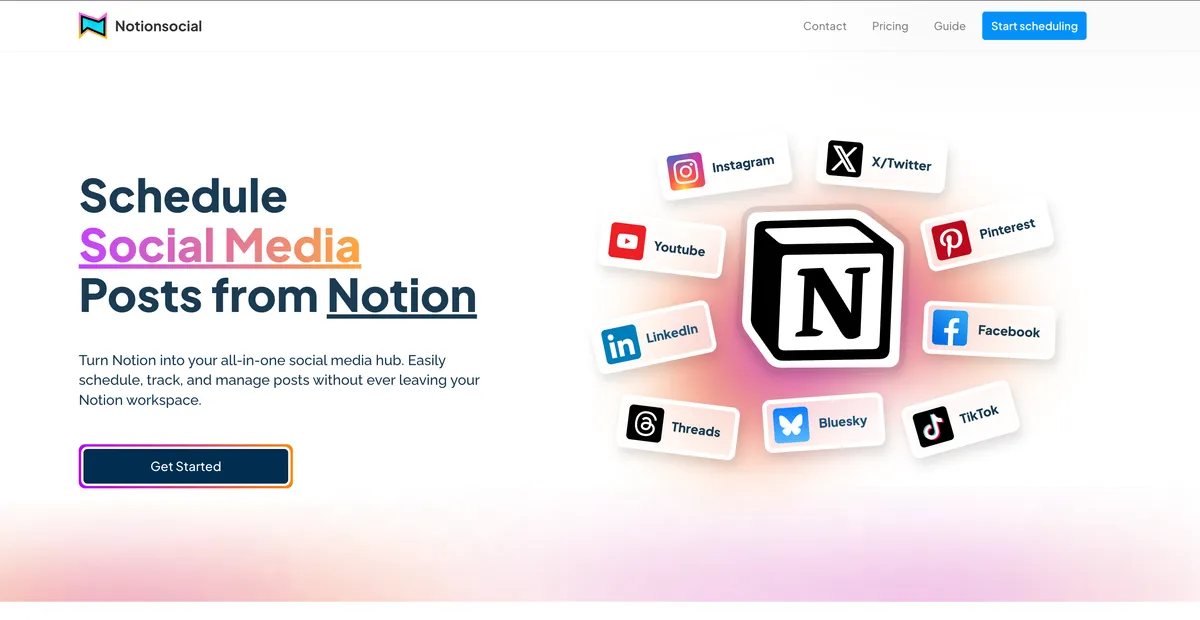
NotionSocial: multi-platform publishing from Notion
Website: notionsocial.app
Best for: Users publishing across many different platforms
How It Works
NotionSocial uses a plug-and-play approach: it integrates with any existing Notion database. Add your posts, set a status, and NotionSocial scans your database every 5 minutes to detect new content to publish.
Platforms
LinkedIn, Instagram, Facebook, Twitter/X, Pinterest, TikTok, YouTube — 9 platforms total, the widest coverage in this comparison.
What Sets It Apart
Platform breadth is its main advantage. NotionSocial is also the only Notion scheduler offering a Chrome extension for previewing posts (Instagram and Twitter) directly within the Notion interface.
The tool supports carousels on Instagram, LinkedIn, and Twitter, plus Instagram Reels and video across all platforms.
Pricing
Freemium model. Exact pricing tiers are available on their site after signup. Expect a limited free tier and paid plans for more accounts and features.
Limitations
NotionSocial doesn't preserve text formatting: bold, italic, and other styling is lost during publishing. No LinkedIn mentions, no built-in analytics, and English-only support. The Chrome extension has only 485 users, suggesting a relatively small user base.
Our take: Solid pick if you need 8+ platforms and formatting isn't a priority. Less suited if LinkedIn is your main channel.
3. NotionScheduler — Simplest & Most Affordable
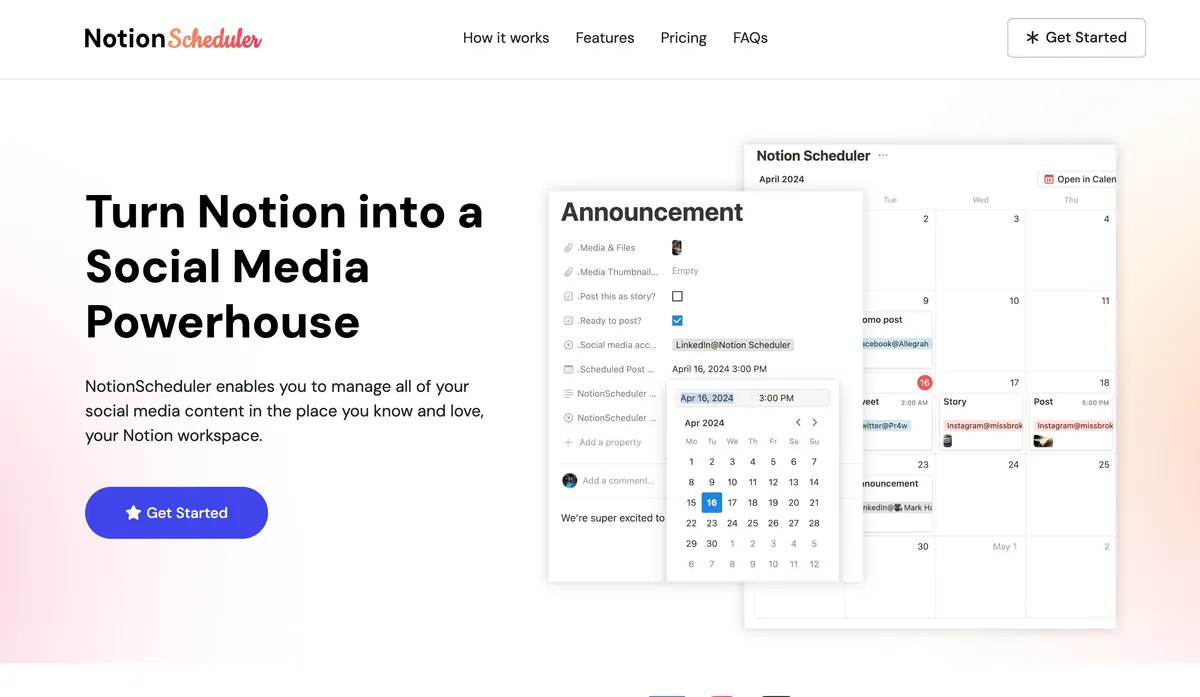
NotionScheduler: simple interface for scheduling from Notion
Website: notionscheduler.app
Best for: Beginners, casual use, small budgets
How It Works
Same principle as its competitors: Notion API connection, database with statuses, automatic publishing. The interface is intentionally simple and clean.
Platforms
LinkedIn, Instagram, Facebook, Twitter/X, Threads, TikTok, YouTube — 7+ platforms. Notably, it's the only tool in this comparison supporting Threads (Meta's network).
What Sets It Apart
Simplicity is the core pitch. The interface is minimalist, setup takes minutes, and pricing is transparent. The free plan lets you test with 2 social accounts and 10 posts per month.
Pricing
| Plan | Monthly | Annual | Accounts | Posts |
|---|---|---|---|---|
| Free | €0 | €0 | 2 | 10/month |
| Basic | €10/mo | €90/yr | 10 | Unlimited |
| Pro | €25/mo | €250/yr | 25 | Unlimited |
Limitations
Features are quite basic: no formatting preservation, no analytics, no LinkedIn mentions, no ghostwriter or agency mode. The free plan at 10 posts/month is very constraining — barely enough for 2-3 posts per week on a single platform.
Our take: Fine for getting started or very light use. You'll outgrow it quickly if you're serious about your content strategy.
4. Make (formerly Integromat) — Custom Automation
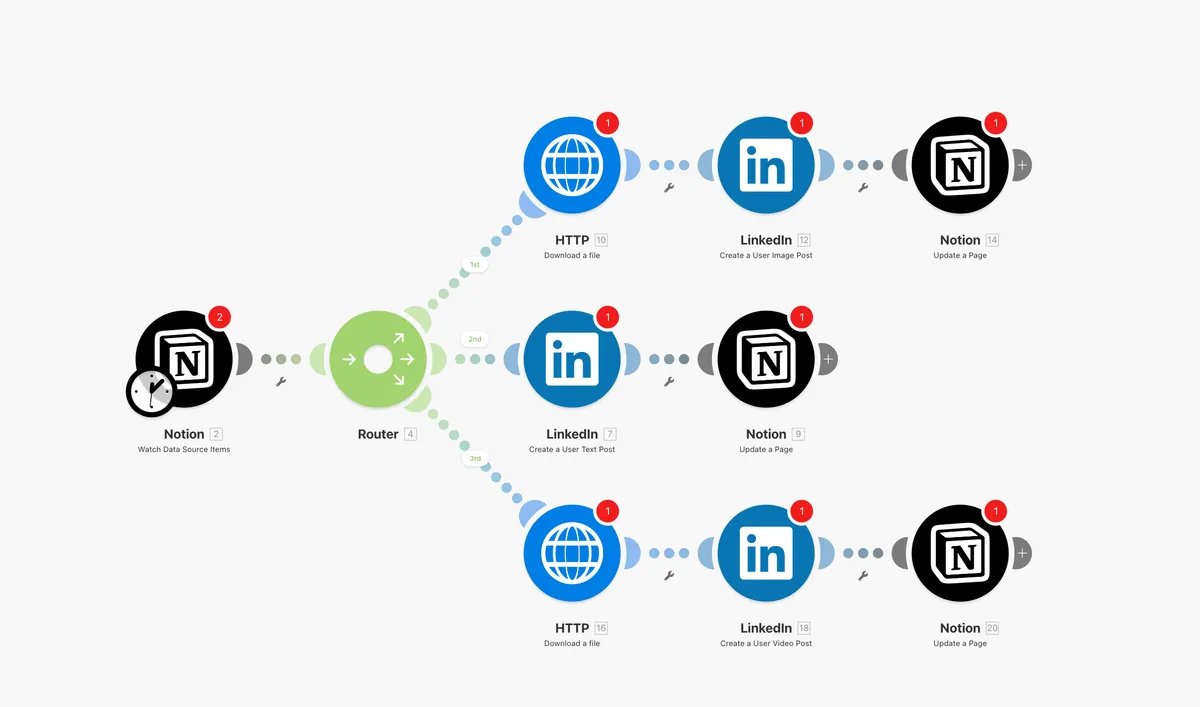
A Make.com scenario for publishing from Notion
Website: make.com
Best for: Technical users, custom workflows
How It Works
Make isn't a social media scheduler — it's a general-purpose automation platform. You build visual “scenarios” connecting Notion to LinkedIn, Instagram, etc. For example: “When a Notion item's status changes to Ready, publish the content on LinkedIn.”
Platforms
Any platform with a Make module: LinkedIn, Facebook, Instagram, Twitter, and potentially others via HTTP/webhooks.
What Sets It Apart
Total flexibility. You can build any workflow: conditions, text reformatting, publishing to niche platforms, parallel notifications, Google Sheets logging... If you can imagine it, Make can probably do it.
Pricing
| Plan | Price | Operations |
|---|---|---|
| Free | €0 | 1,000 ops/month |
| Core | €10.59/mo | 10,000 ops/month |
| Pro | €18.82/mo | 10,000 ops/month + advanced features |
One “published post” consumes 3-10 operations depending on scenario complexity.
Limitations
Initial setup can take hours if you're not familiar with automation tools. Image handling (carousels, videos) is often problematic. When a token expires or an API changes, the scenario breaks silently. And there are obviously no LinkedIn-specific features.
Our take: Reserved for technical users with very specific needs. For basic Notion → social media scheduling, a dedicated tool is more reliable and less time-consuming to maintain.
5. Zapier — The Make Alternative
Website: zapier.com
Best for: Semi-technical users, one-off integrations
How It Works
Similar to Make but with a simpler interface and a model based on “Zaps” (trigger → action). The Notion → LinkedIn connection is possible, but with the same formatting and media limitations as Make.
Pricing
| Plan | Price | Tasks |
|---|---|---|
| Free | $0 | 100 tasks/month |
| Starter | $19.99/mo | 750 tasks/month |
| Professional | $49/mo | 2,000 tasks/month |
Limitations
More expensive than Make for a similar result. The free plan at 100 tasks/month is very restrictive. Same maintenance and media handling issues as Make.
Our take: Makes sense if you already use Zapier for other automations. Otherwise, a dedicated tool is more cost-effective.
Final Comparison Table
| Criteria | Scheduled | NotionSocial | NotionScheduler | Make | Zapier |
|---|---|---|---|---|---|
| Setup | 5 min | 5-10 min | 5 min | 1-3h | 30 min-1h |
| Platforms | 6+ | 9 | 7+ | Unlimited | Unlimited |
| LinkedIn formatting | ✅ | — | — | — | — |
| LinkedIn mentions | ✅ | — | — | — | — |
| Analytics | ✅ | — | — | — | — |
| First comment | ✅ | ✅ | — | — | — |
| Carousels | ✅ | ✅ | ❓ | ⚠️ | ⚠️ |
| Ghostwriter/Agency | ✅ | — | — | — | — |
| Price (real use) | €9-49/mo | Freemium | €10-25/mo | €10-19/mo | $20-49/mo |
Our Recommendations
You're a LinkedIn creator or ghostwriter?
→ Scheduled is the obvious choice. The formatting, mentions, and analytics features exist nowhere else. The Creator plan at €9/month pays for itself in hours saved.
You publish across 6+ platforms and LinkedIn isn't your focus?
→ NotionSocial offers the broadest coverage. Keep in mind that formatting will be lost and there are no analytics.
You're just getting started and want free?
→ Start with Scheduled's free trial for LinkedIn, or NotionScheduler if you need to test across multiple platforms (limited to 10 posts/month).
You're a developer with custom requirements?
→ Make gives you total flexibility, but budget time for maintenance.
Last updated: February 2026. Pricing and features are subject to change. Visit each tool's website for the latest information.