Get your social media post stats in Notion
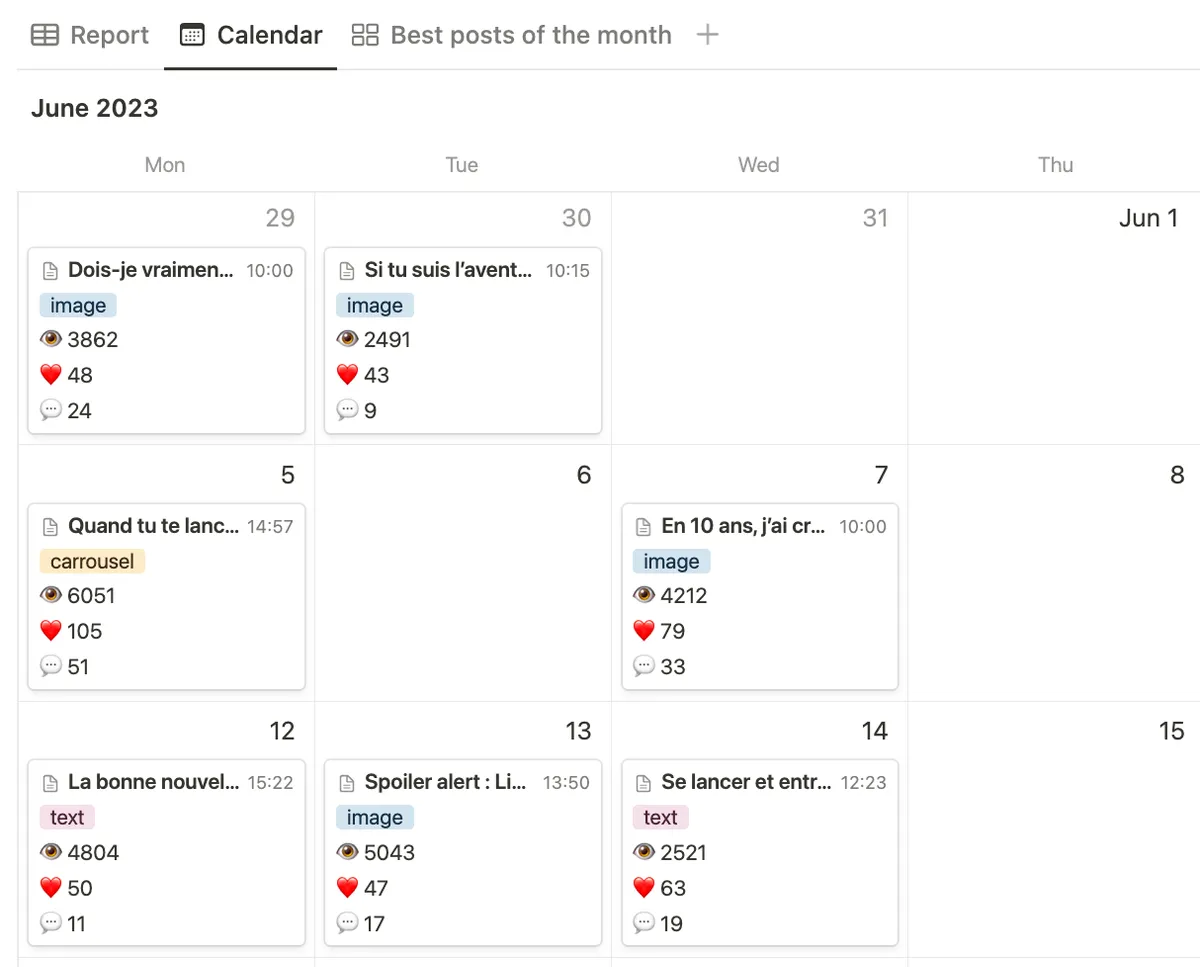
Scheduled automatically syncs all your social media post stats into Notion.
14-day free trial — no credit card required
Save time recycling content
If you already love Notion for your content creation process, why not centralize everything?
 Identify your best-performing content each monthIdentify the best content by format typeRecycle content in a few clicks without leaving Notion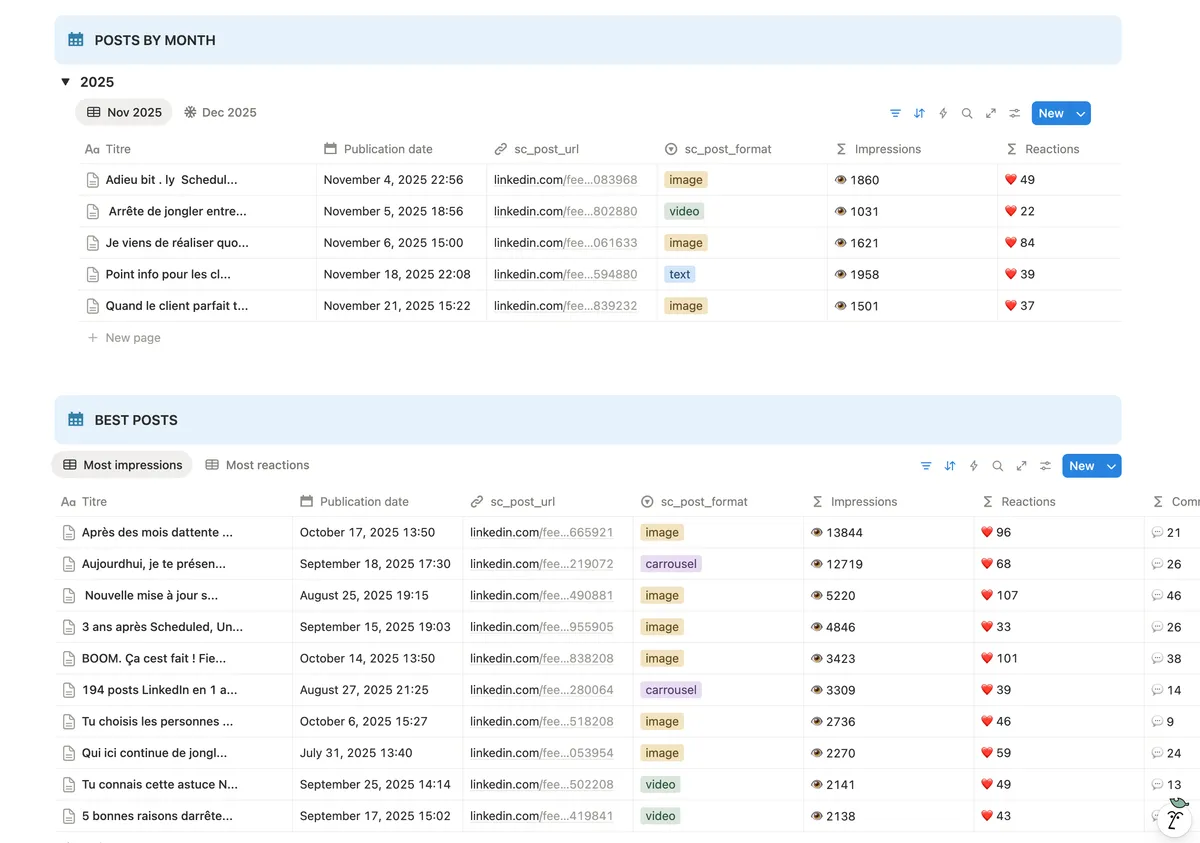
Automatic reporting updates in Notion
Scheduled uses LinkedIn’s official API — no browser extension, no scraping. This makes Scheduled 100% compliant with LinkedIn’s rules, so there’s zero risk of account restrictions.
Official LinkedIn API — certified and ban-freeAuto-sync of your last 30 published postsExtract up to 500 posts from your LinkedIn history (one-time)Stats updated every 8 hours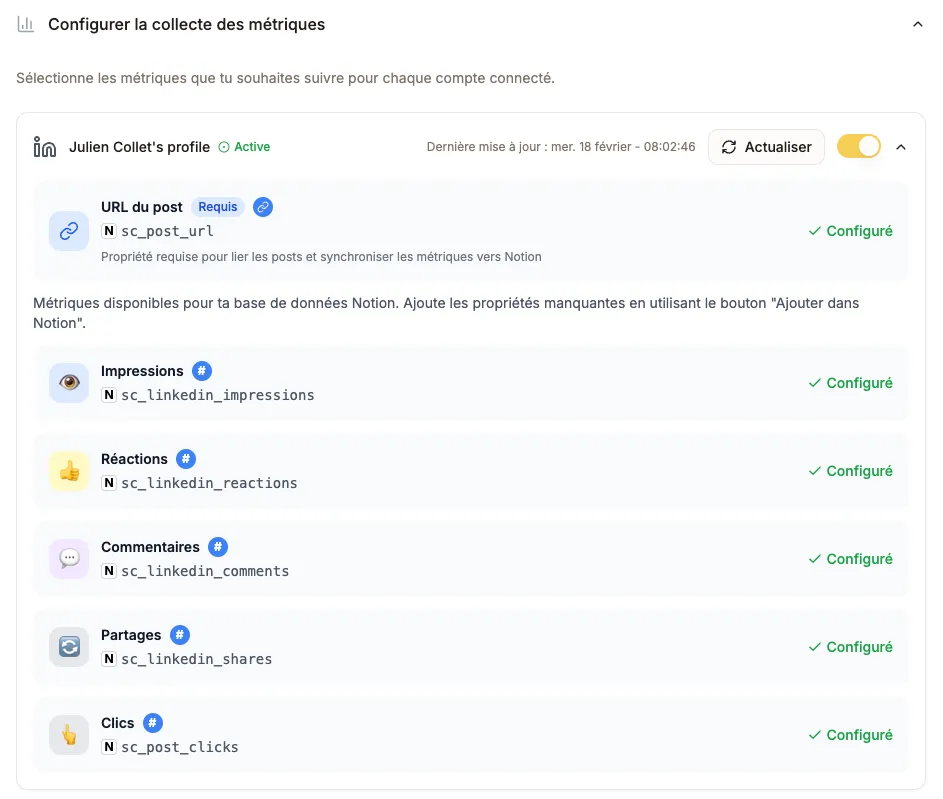
Track your progress at a glance
A dashboard included with the offer to track your progress.
View cumulated stats for the last 30 daysCompare this month with the previous oneMinimalist design integrated in Notion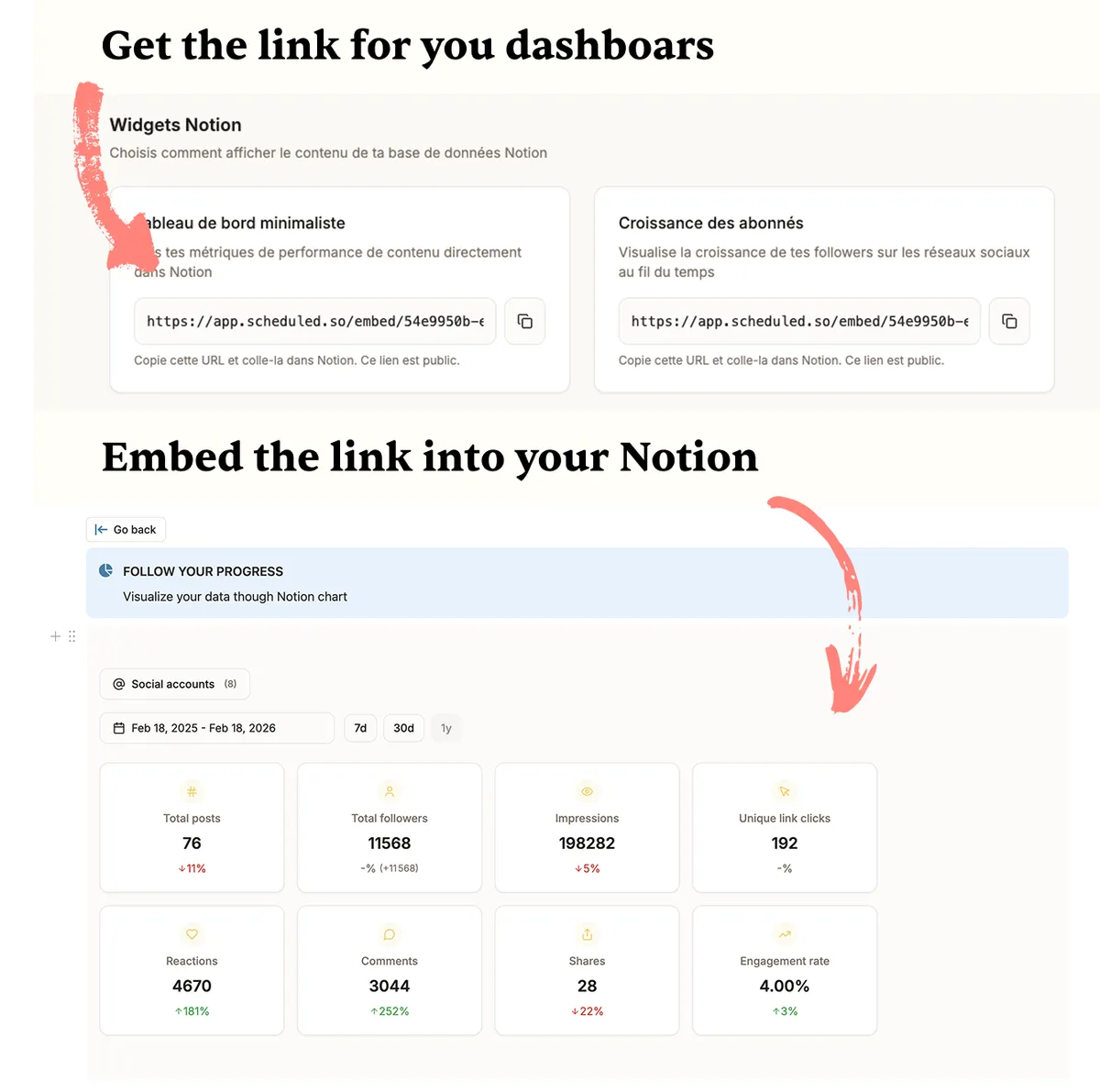
Never lose a published post
Scheduled doesn't just retrieve your post statistics.
Your post textAssociated images, videos, or carouselsComplete backup in Scheduled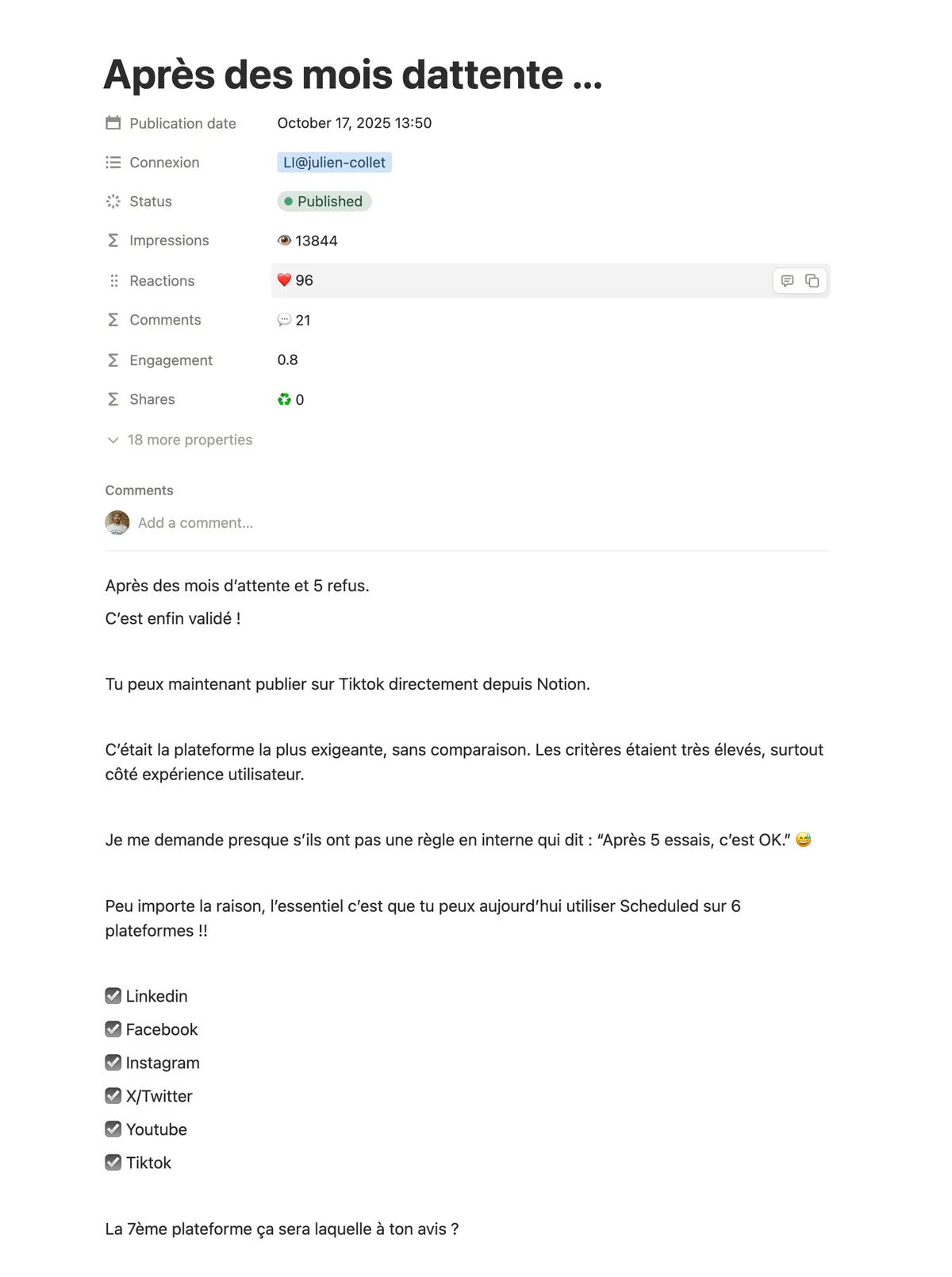
Frequently asked questions
Have a question? Contact us at [email protected]
Yes! Scheduled lets you schedule and publish your posts on LinkedIn, Instagram, X, and more — directly from Notion.
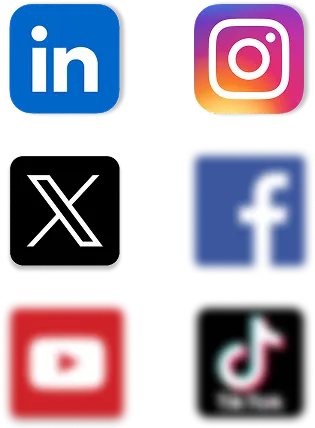
Scheduled currently supports LinkedIn, Instagram, and X for analytics. Facebook, YouTube, and TikTok are coming soon.
Scheduled automatically syncs your last 30 published posts and updates their stats every 8 hours. You can also run a one-time extraction to import up to 500 posts from your history.
No, if you delete your account, your data will be deleted. But the data in Notion stays in your Notion workspace.
Yes, Scheduled adapts to your existing Notion database.
No, Scheduled uses official APIs (including LinkedIn’s certified API). Over 4200 creators use Scheduled without any issues.