Save inspiring LinkedIn posts to Notion
Never let great content slip away without being able to find it easily.
This extension is no longer available for download.
Why you need this extension
Quality LinkedIn content is hard to organize and find later
Content management becomes chaotic without centralization
LinkedIn's native save feature doesn't protect against content loss
LinkedIn feed content disappears quickly with refreshes
How it works
Download the extension
Download and pin the Chrome extension.
Connect Notion
Connect your Notion database.
Save
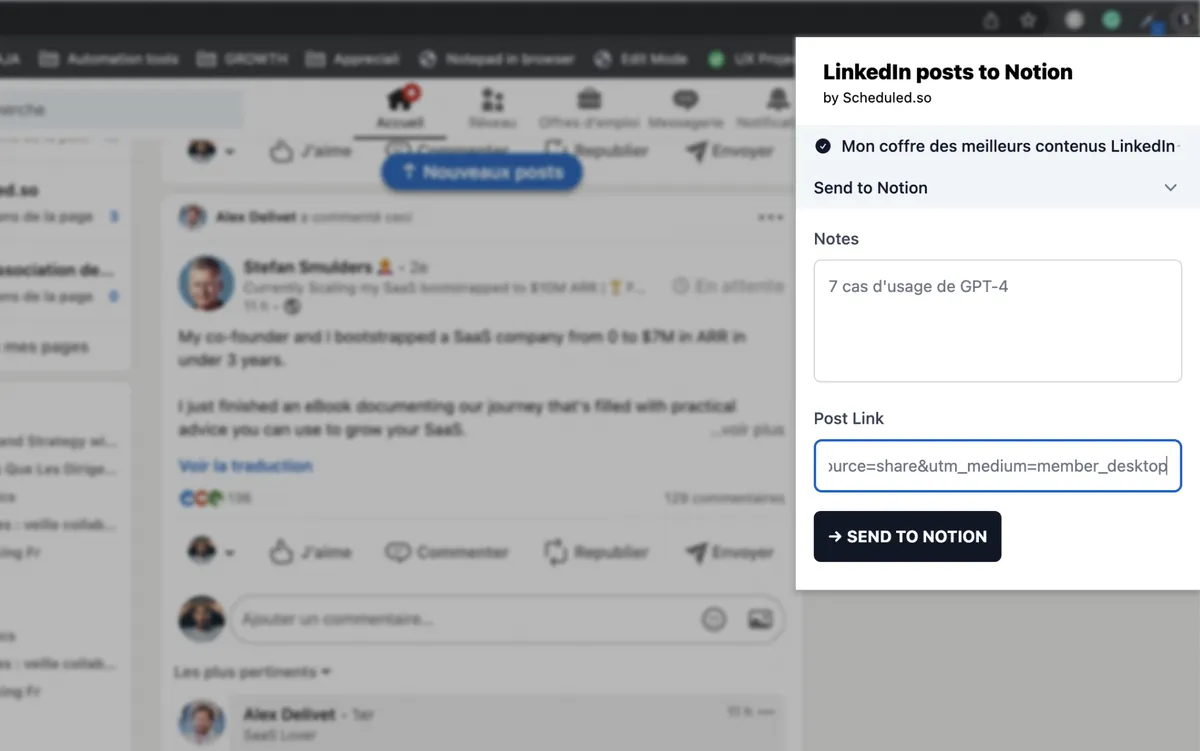
Paste LinkedIn post links into the extension and add your notes.
Video demo
Frequently asked questions
Yes, carousel posts are supported with PDF links.
No, the extension works independently from Scheduled.
The extension is completely free.
No risk. The extension only copies links from public posts.
The extension only accesses the Notion databases you select. No access to your other data.