New: Scheduled + Claude

Schedule your posts from a conversation with Claude

Connect Scheduled to Claude and talk to your editorial calendar in plain English. Schedule, move, analyse and recycle your posts without leaving the chat. Everything lands in Notion, as always.

Included in the Pro and Agency plans, trials included

ClaudeScheduled connected
Schedule this on LinkedIn Thursday at 9am and find me the best slot on Instagram for the reel.
schedule_postget_next_optimal_slotschedule_post

Done. LinkedIn post scheduled Thursday 09:00 in your β€œPersonal” calendar.

Your best Instagram slot this week is Friday 18:30 (based on your last 30 posts). Reel scheduled there.

Both cards are in Notion if you want to tweak them.

Setup guide on the help center

What people do with it

Six prompts you can type as they are. Each one ends with a card in your Notion calendar.

Creators

Batch your whole week on Monday morning

β€œHere are my 5 post ideas for the week. Write them in my tone and schedule them on LinkedIn at my best times.”

Claude checks your best time slots, writes the posts and creates 5 cards in your Notion calendar. You polish them in Notion, Scheduled publishes them.

Creators

Recycle what already worked

β€œWhat were my 3 best LinkedIn posts last month? Rewrite the top one for Instagram and schedule it for Friday.”

Claude reads your analytics, picks the winner, adapts it to the platform and schedules it. No spreadsheet, no copy-paste.

Ghostwriters

Turn a long piece into a series

β€œHere's my client's latest blog article. Turn it into 3 LinkedIn posts, one per week, in the Lemonade calendar.”

Three cards land in the right client calendar, spaced out over three weeks, ready for review before they go out.

Agencies

Get the monthly client report in one question

β€œCompare September and October for the Lemonade calendar and give me a short summary I can send to the client.”

Impressions, engagement, top posts and the gap between both months, summarised in plain English. Paste it in your email.

Community managers

Reshuffle the calendar in one sentence

β€œThe launch moved. Push everything scheduled tomorrow to Monday, same times, and cancel the teaser post.”

Claude lists what's affected, moves the posts and cancels the one you named. Your Notion calendar reflects it instantly.

Everyone

Never ask "when should I post?" again

β€œWhen is my next free optimal slot on Instagram? Put this reel there.”

Claude finds the next best slot based on your own stats and schedules the reel, media included.

Connected in 30 seconds

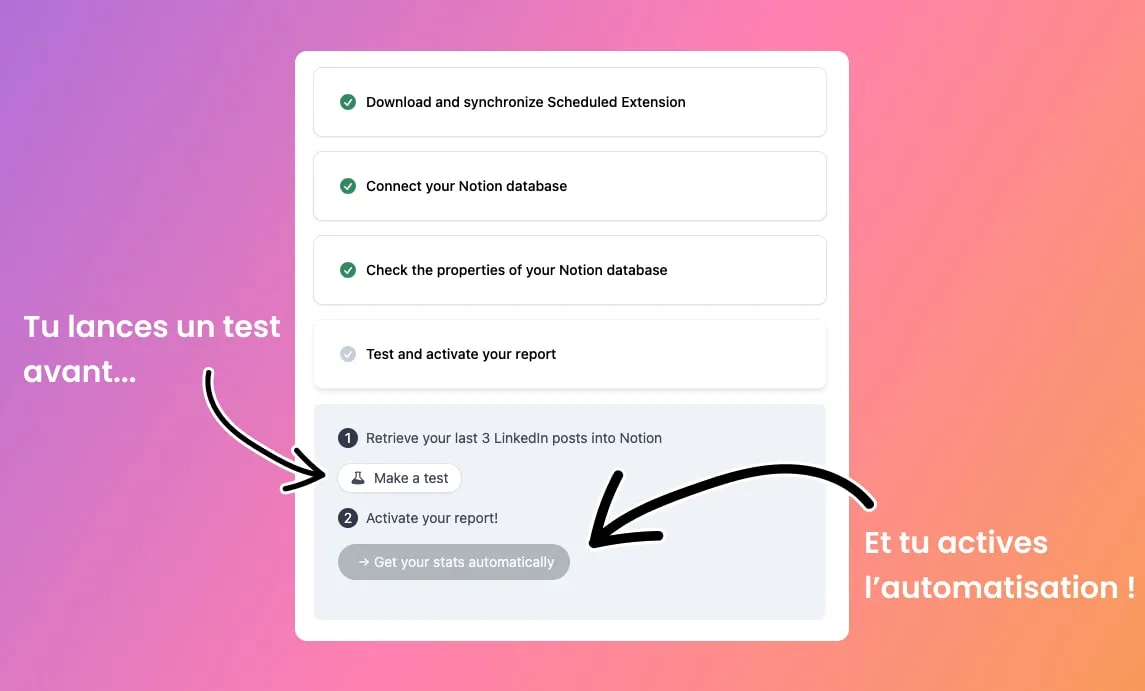
1

Copy the connector URL

In Scheduled, open Settings β†’ API and copy mcp.scheduled.so.
2

Add it to Claude

Claude Desktop or claude.ai β†’ Settings β†’ Connectors β†’ Add custom connector. Paste, approve access, done. On Claude Code, it's one command.
3

Start talking

Claude now sees your calendars, your connected accounts and your stats. Ask for what you need.

Notion stays your source of truth

Claude doesn't publish behind your back. Every post it creates is written to your Notion calendar, with its date, its social connection and its status. You can still edit, move or cancel it in Notion before it goes out.

17 tools: schedule, list, update, cancel, duplicate, upload media
Analytics: top posts, period comparison, best times, next optimal slot
Works with LinkedIn, Instagram, Facebook, X, TikTok and YouTube connections
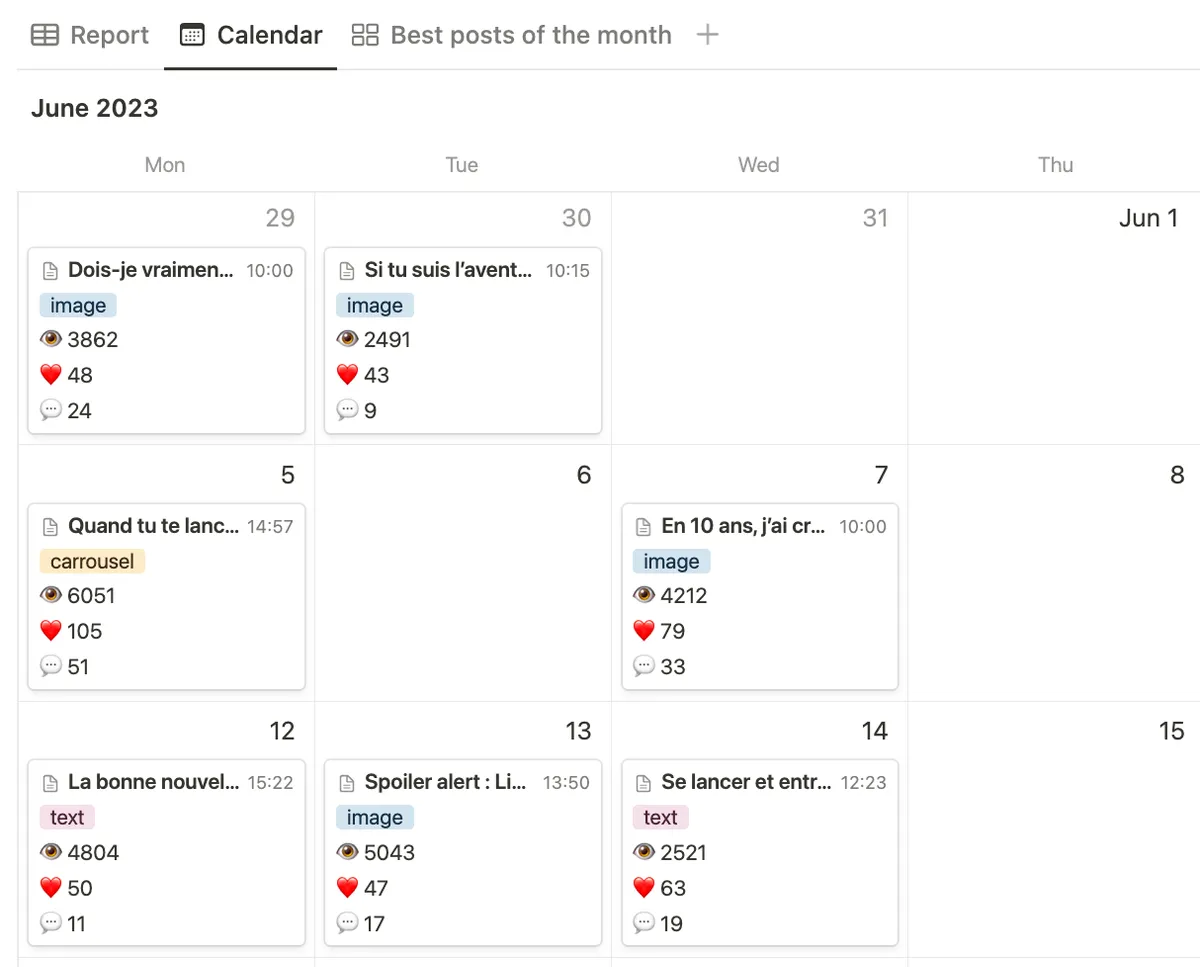
Posts created by Claude in a Notion calendar

An API for your own workflows

The same engine is available as a REST API. Generate a Personal Access Token and plug Scheduled into Zapier, n8n, Make or your own scripts. OAuth 2.0, scoped permissions and webhooks for post events are included.

Personal Access Tokens with read, write and delete scopes
Webhooks: post.published, post.failed
Claude Code: claude mcp add --transport http scheduled https://mcp.scheduled.so
Automations with the Scheduled API

Frequently asked questions

Have a question? Contact us at [email protected]

Pro and Agency, trials included. On Solo, upgrade from your billing page and it unlocks right away.

Yes. Scheduled is Notion-first: every post Claude creates is written to a Notion database synced with Scheduled. That's what lets you review and edit before publication.

Claude schedules posts, it doesn't publish instantly. The card appears in your Notion calendar with its publication date and you can edit, move or cancel it until then. If you ask Claude to schedule for "now", treat that as a publish.

Yes. Run claude mcp add --transport http scheduled https://mcp.scheduled.so, authorise in the browser, and Scheduled is available in every session.

Scheduled exposes a standard MCP server, so any MCP-compatible client can connect. We test and document Claude Desktop, claude.ai and Claude Code.

Claude only gets the permissions you approve on the consent screen, and you can revoke access any time from Settings β†’ API. Scheduled uses the official APIs of every platform.

Your next post is one sentence away

14-day free trial, Claude integration included on the Pro trial.