Manage multiple social media from Notion

Create, schedule and track stats for your posts without leaving Notion

All social platforms are available
One-time payment, lifetime access

Publish on all your social networks from Notion

LinkedInInstagramXFacebookYouTubeTikTok
Anaïs

« I save 10 hours/month thanks to Scheduled »

Quentin

« The team is a big fan of the tool »

Laurène

« I recommend it to all my clients »

+3800 content creators have published over 90,000 posts with Scheduled.

Say goodbye to copy-pasting

Stop wasting time copying and pasting your content across different platforms.

Schedule and publish your posts (images, videos, carousels, reels, and stories) directly from Notion.

Discover the offer
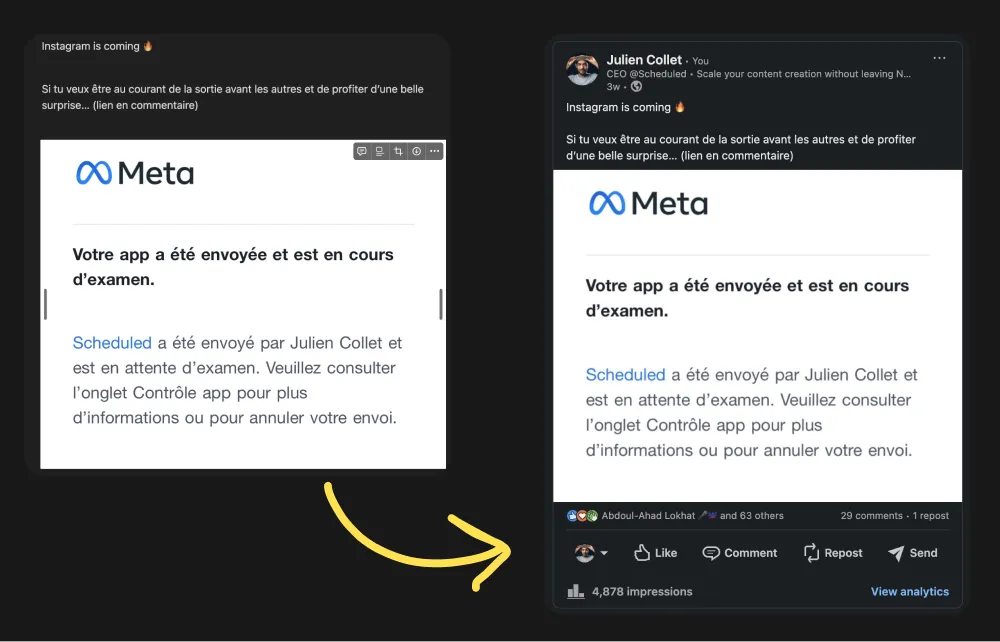
Say goodbye to copy-pasting

Manage your social accounts securely

No more sharing your team or clients’ email and password.

Invite them to securely connect their social profile with Scheduled.

Discover the offer
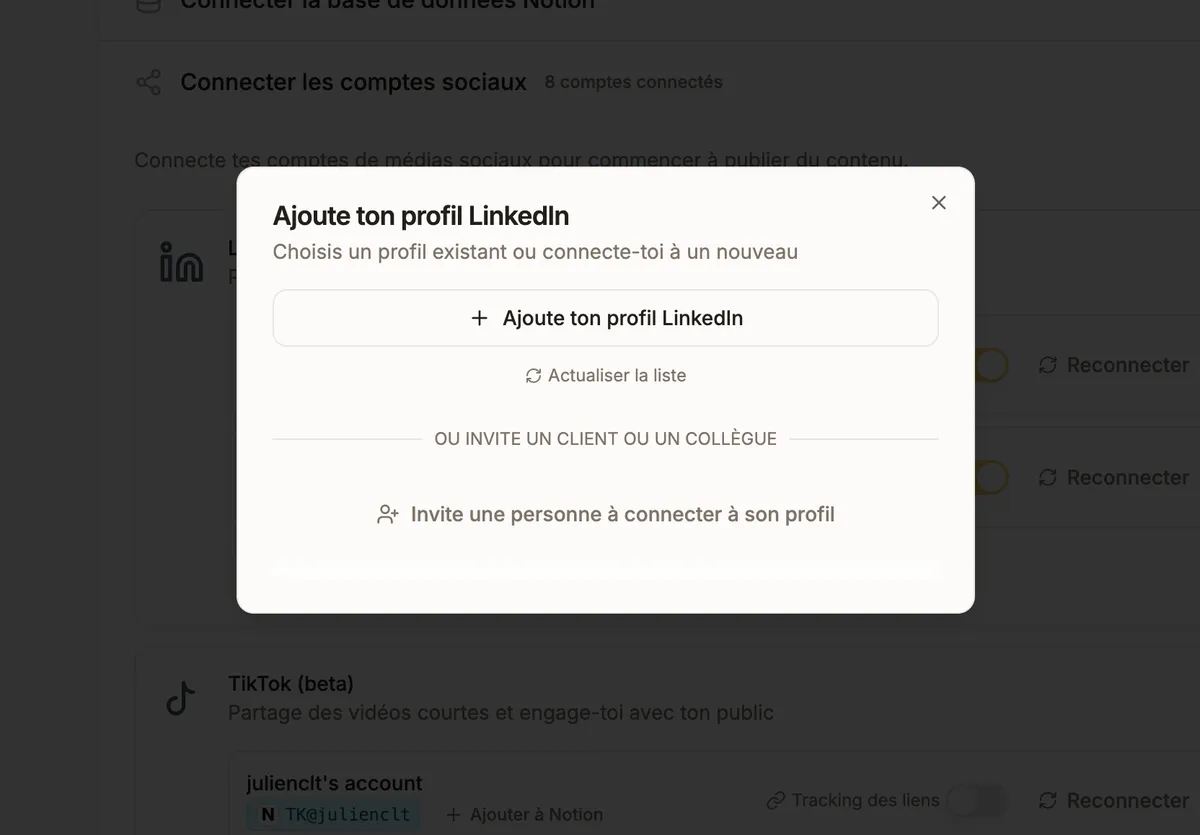
Manage your social accounts securely

Get stats automatically in Notion

Stop wasting time manually retrieving stats.

Scheduled daily retrieves your clients’ post statistics directly in Notion. All you need to do is follow up.

Discover the offer
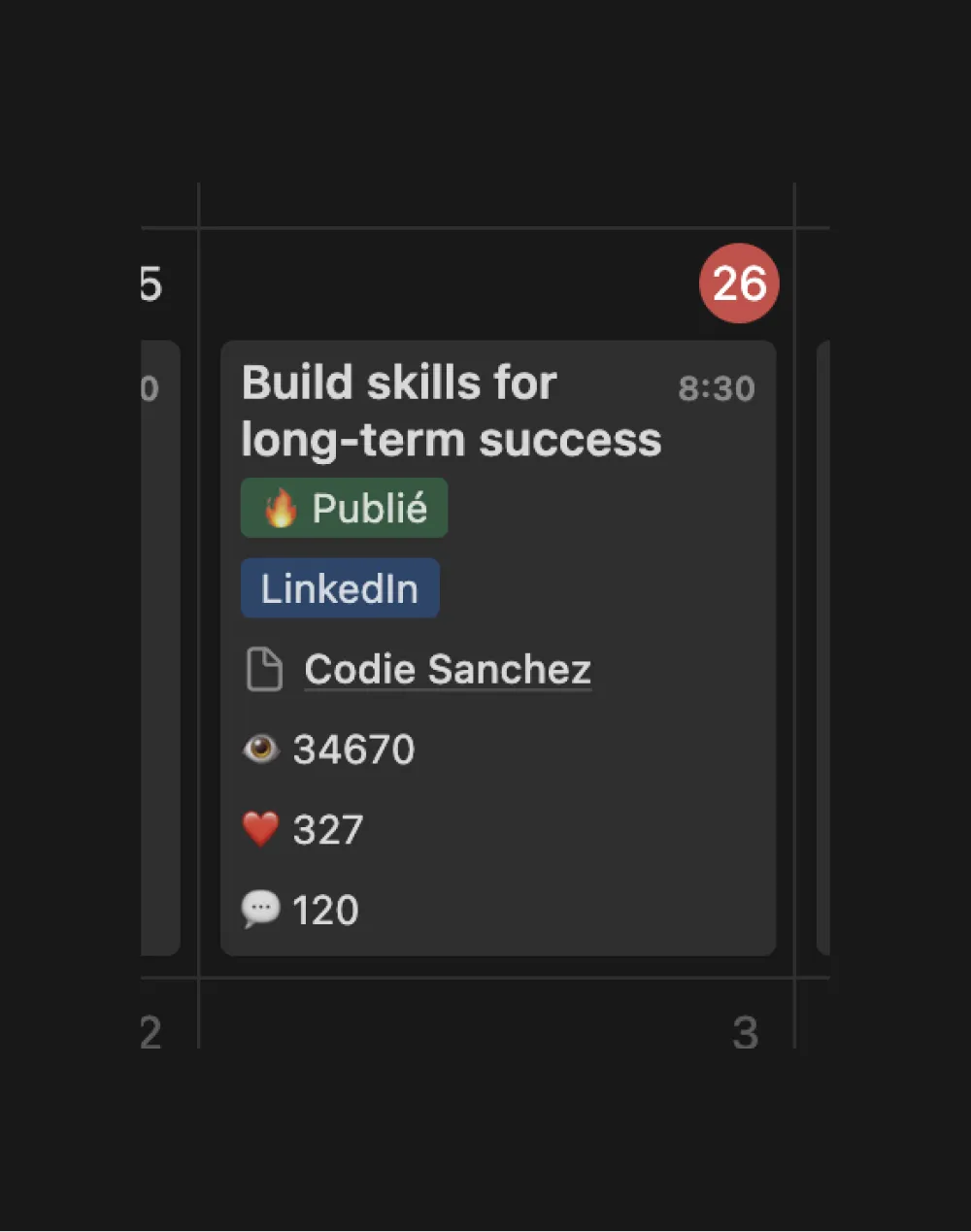
Get stats automatically in Notion

Centralize collaboration with your clients

Even with Scheduled integrated, you can continue working efficiently with your clients in Notion.

Scheduled retrieves your content only when it’s ready. You can edit or cancel a scheduled post directly in Notion.

Discover the offer
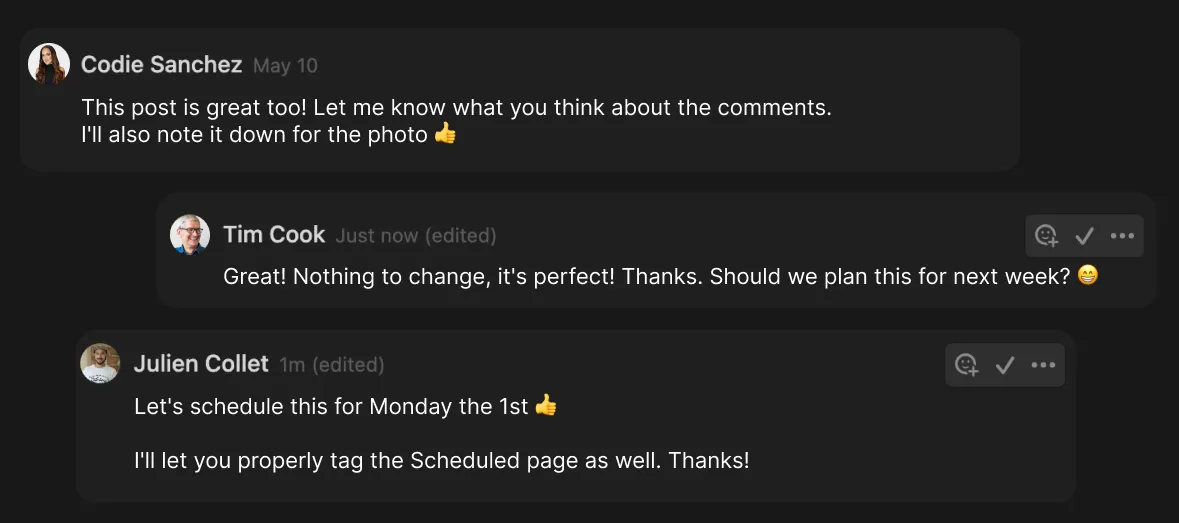
Centralize collaboration with your clients

Create your account in 5 minutes

1

Connect Notion

Use your own Notion template or download one for free.
2

Invite your clients

Invite your clients to connect their LinkedIn profile.
3

Schedule or publish

Publish manually from Notion or let Scheduled plan your posts.

Premium offer

Number of posts
Notion databases
Number of connections
Available platforms
Post formats
Mentions
Number of reports
Support
Unlimited
10 synced databases
10 social connections
LinkedIn, Instagram, Facebook, X, Youtube, Tiktok
Images, Videos, Carousels, Reels, Stories
Tag profiles and pages on LinkedIn
10 reports
Response in less than 20 minutes

Premium

€350excl. VAT

One-time payment, lifetime access

Grab the deal now 🚀

Anaïs, ghostwriter and Scheduled customer for 2 years

Frequently Asked Questions

If one of your questions is not on the list, feel free to write to us: [email protected]

Lifetime access to the product allows you to use Scheduled as long as you want for an indefinite period. You won't have to pay a monthly or annual subscription. With this plan, you will be able to enjoy all upcoming features (while keeping the limits shown in the offer).

Yes! Scheduled is a tool that perfectly adapts to your daily routine and what you have already set up. You don't need to change everything. You just need to connect the right properties of the database you use for your content with Scheduled so that everything works.

Scheduled is designed to let you fully enjoy the power of the tool while remaining minimalist. When you create your account, you can download a free Notion template that is very simple to get started with. Additionally, we collaborate with Notion experts to maintain optimal organization as the product evolves.

Currently, you can publish on LinkedIn (profiles and pages), Instagram (with a Business or Creator account), X / Twitter, and Facebook (pages). With this offer, you will also be able to publish on upcoming platforms: YouTube, TikTok, Threads...

Currently, you can create reports only for LinkedIn profiles and pages. With this offer, you will be able to take advantage of upcoming releases to build reports on other platforms such as Instagram, Facebook, or X.

Today, more than 1500 people use Scheduled. There have been no complaints about it. Top users publish every day and have been using the new analytics features for several months, and everything is going well. Of course, it is important to continue respecting LinkedIn's terms of use.

Yes, we offer a 30-day refund period from the date of your purchase. If for any reason you're not satisfied, you can request a full refund within this timeframe. Simply reach out to our support team via the chat in the bottom right corner or by email at [email protected]. We’ll process the refund within 24 hours (the transfer may take 3 to 4 days). After the 30 days, we will no longer be able to process a refund.

Try Scheduled for 14 Days

Setup in 5 minutes. No credit card required.